With the new Flow drawing engine now live, this update brings a bunch of great interface improvements to go along with it.
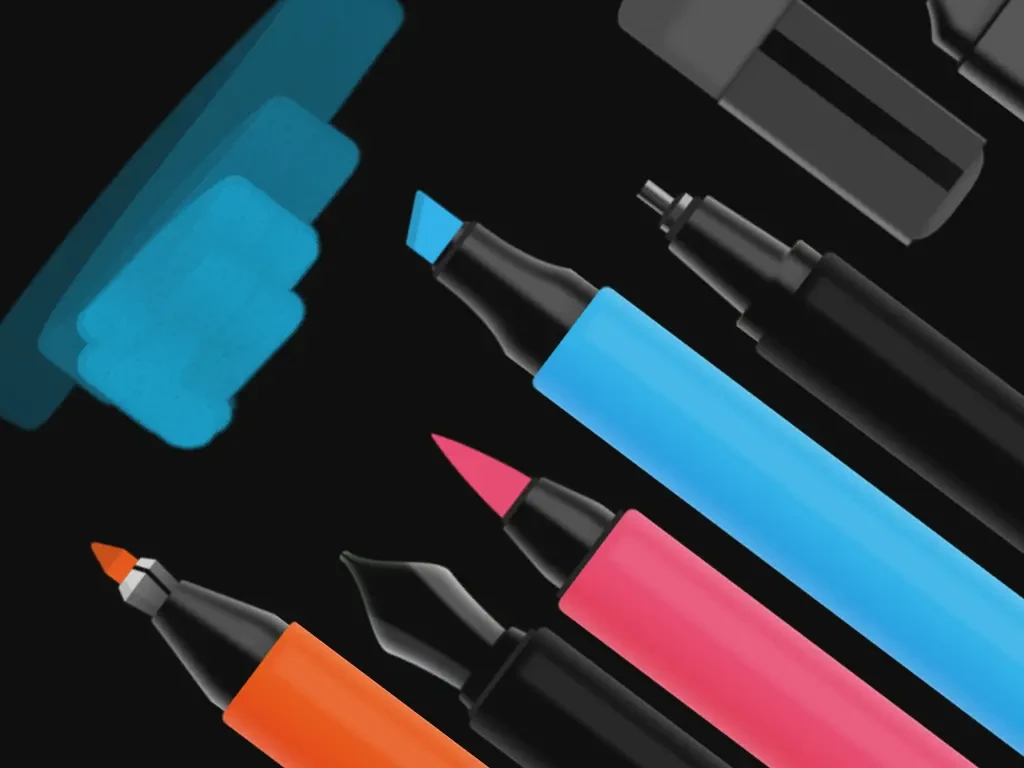
Flow’s panels, including the Pen Dock, the Pen Editor, and the Color Palette, can now be dragged and resized however you want. You can grab it by the grip at the bottom and move it anywhere. Drag it taller to show more pens, or shorter to show fewer. When you have more pens than fit, they all scroll, including the tools at the top.
The Pen Editor got the same treatment. It now goes wherever you want it. The Color Palette panel can also be dragged from the corner to fit as many swatches as you like.
Inside the Pen Editor, the size picker has replaced the wheel of sizes with a slider that shows every size at once. You tap or slide to pick. It’s faster and clearer.
A new feature called the Scratchpad makes testing pens much easier. Open the Pen Editor, tap the Scratchpad button in the top right, and the background around the editor becomes a space to scribble in. Try a pen at the size and color you’ve set up, see how it feels, then close the editor and get back to your document. Your real page stays untouched.
The Correction Pen now has three softness settings, so you can pick a hard edge or a feathered one depending on what you’re erasing.
After you’ve selected something with the Lasso Knife, tap the new export button on the selection panel to open the system share sheet. From there you can copy to your clipboard, save to Photos, AirDrop to another device, or send to any compatible app.
A handful of other things round it out. Browsing your documents and collections is noticeably faster now (and you can tap a collection name to rename it). The Document Setup and Export screens have been restyled and reorganized to make their options clearer. Menus that pop up across the app, including Dock Options, Layer Options, and the mini color picker, appear instantly now and feel much more responsive.
– The Bonobo Team