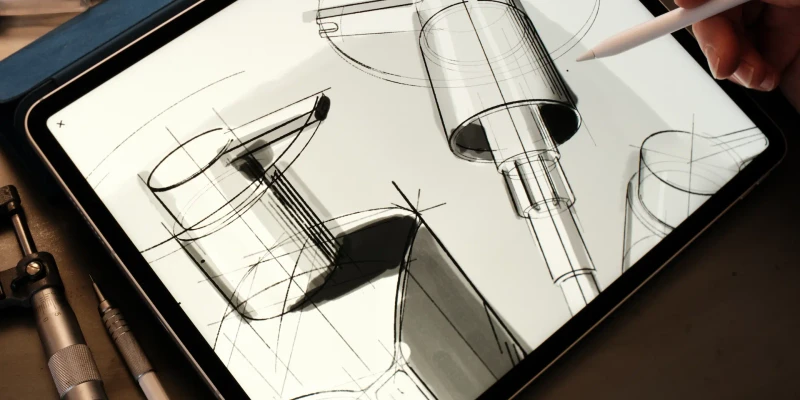
Did you know we are always working on updates for Flow? This means you may have missed a few cool things we’ve added recently.
Here’s a little reminder of new features we’ve released.
Timelapse
You can make a Timelapse video from any document you’ve ever made in Flow. Yep, even ones you drew a few years ago!
- Open the document you want to turn into a timelapse
- Tap export then choose Timelapse Video, Timelapse GIF or Timelapse Image Sequence
- Choose options
- Share!
Read more about our Timelapse feature.
Import and Export PDF
You can now import and export PDFs in Flow. Quickly insert a document, mark out some changes and then send it back. Easy peasy!
- Tap the Insert button and select Add from files
- Choose your PDF then place it on the page
- Draw over top
- Tap the export button and choose Entire Document
Done! It’s such a simple way to mark out changes in a fixed document.
Realtime Collaboration
Did you know you can collaborate with other people in Flow? Multiple people can work on the same document simultaneously from separate devices wherever they are in the world. You can share work documents with colleagues across the country or play Noughts and Crosses with your niece down the road.
Here’s how it works:
- Tap the collaboration button on any document and choose Draw with others or SharePlay to immediately start a FaceTime call
- Send the link to who you’d like to share with
- Draw together!
If the other person doesn’t have a compatible device (iPad, iPhone) then you can also choose to record your screen or broadcast via apps such as Zoom.
Read more about Collaboration.
Just a few reminders of the cool things you can do with Flow.